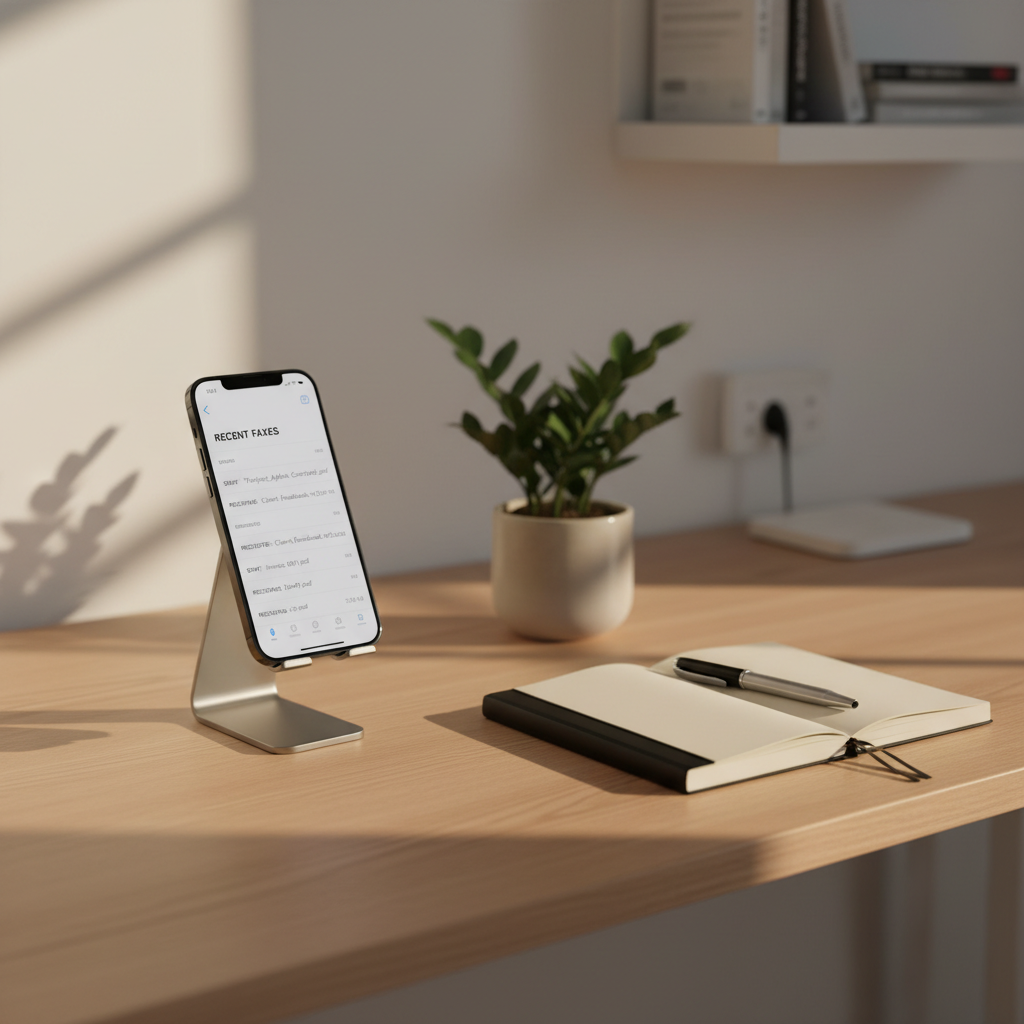
A tidy home office setup featuring an iPhone propped upright in a simple aluminum stand, screen displaying an organized list of recently sent and received faxes with document titles and timestamps. The phone sits beside a slim notebook, a minimalist pen, and a small potted plant with deep green leaves on a light oak desk. Late afternoon natural light streams across from the left, creating a warm yet professional atmosphere and long, soft shadows. Photographically captured at eye level with sharp focus throughout, the composition uses balanced negative space to convey simplicity, reliability, and the ease of managing faxes from anywhere without clutter or cables.

Easy Fax

Learn how to send, receive, and manage faxes securely from your iPhone in minutes.

About

Get Started on iPhone

Follow our simple guides to install the app, connect cloud storage, import documents, and send your first fax confidently.
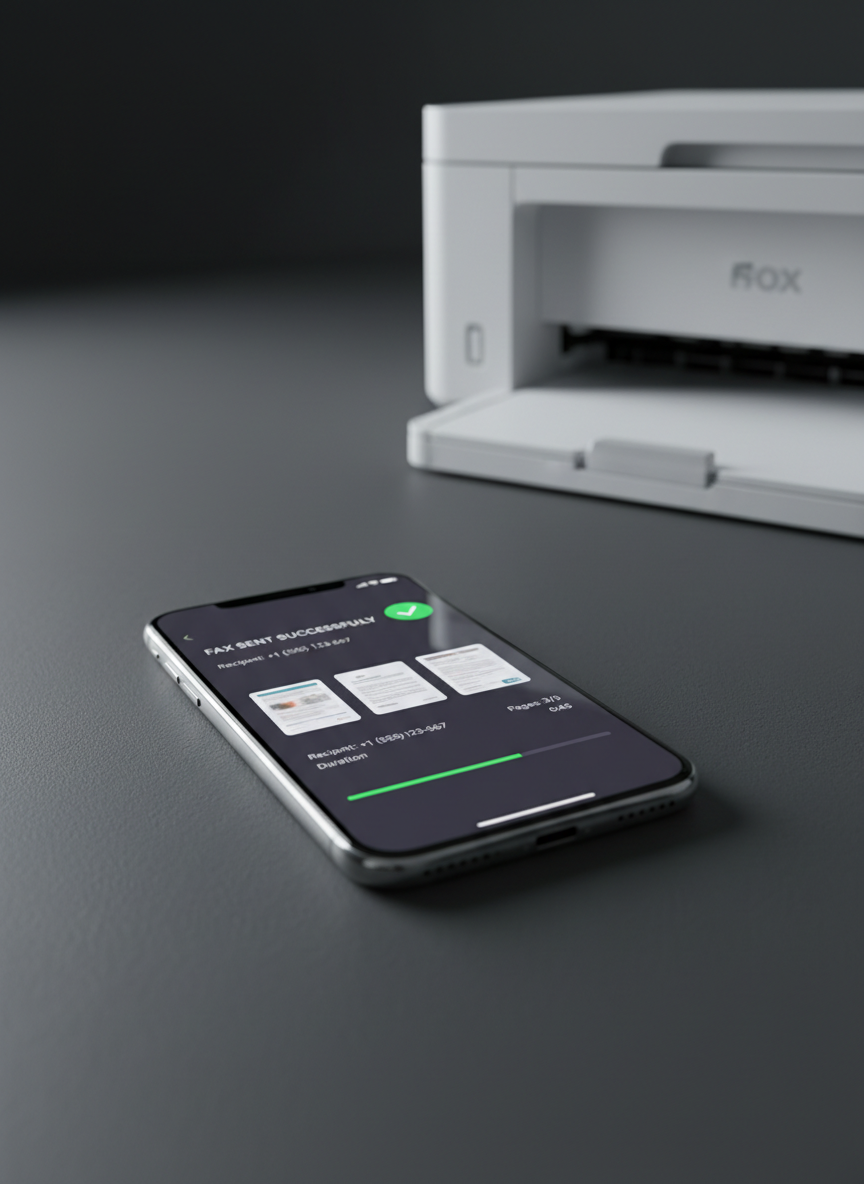
An elegant close-up of an iPhone lying on a matte charcoal surface, its display showing a detailed fax transmission progress screen with clear status indicators, page thumbnails, and a green confirmation checkmark. Beside it sits a compact, modern all-in-one printer, out of focus but recognizable, symbolizing old hardware being replaced. Cool, diffused studio lighting highlights the smooth metallic edges of the phone and the subtle texture of the surface, casting soft, controlled shadows. Captured from a low, side angle with the phone positioned on the rule of thirds, the mood is professional and forward-thinking, with crisp photographic realism and a clean, tech-oriented aesthetic.

Contact Support

Need help with Easy Fax on iPhone? Reach our support team for setup assistance, troubleshooting, billing questions, or feature requests anytime.

Email support@easyfaxiphone.com or call support

Support daily, 8am–8pm